Upgrade the Ink Control Workflow on Your Existing Mitsubishi Press
An older offset press can have a serviceable printing mechanism while its ink-setting workflow needs improvement. We develop the electronics, control program and software integration around the machine being upgraded. The project focuses on transferring job information into useful ink-key settings and giving operators a practical way to prepare and repeat jobs.
The workflow is: receive the job → process its color separations → calculate ink-zone preset data → send values directly to the ink keys → check and fine-tune the printed result → save the job for future use. Installation details, included functions and acceptance checks are defined for the particular press.
Mitsubishi F Series and D3000: Assess the Actual Configuration
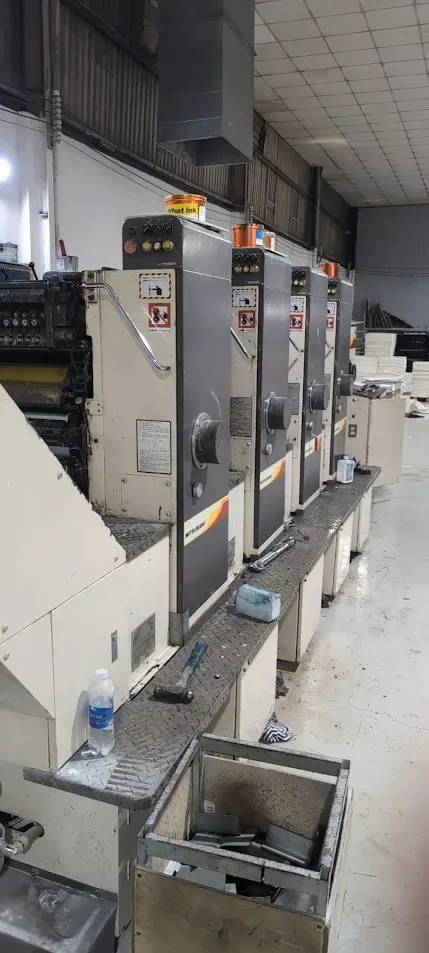
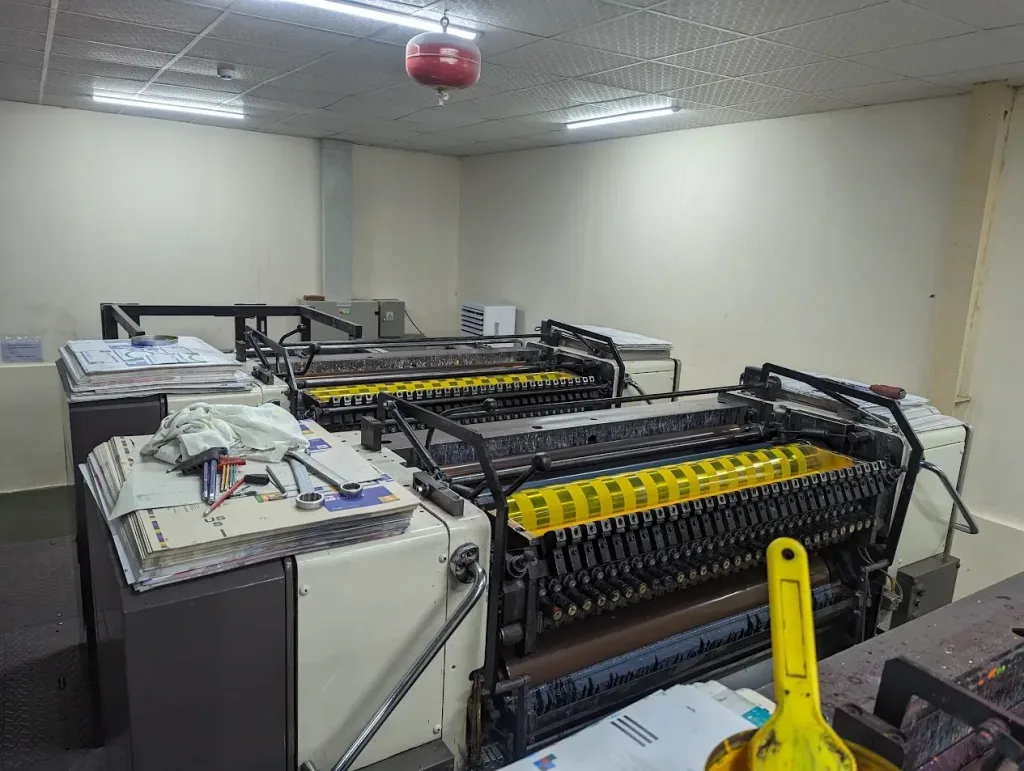
The service focuses on older Mitsubishi offset equipment, including F-series machines and D3000 configurations that need an ink-control upgrade. The model name is the starting point for assessment. Console configuration, existing electronics, ink-key mechanisms and the condition of the machine determine the proposed work.
Send the exact model, year where known, number of printing units, photographs of the console and labels, and a description of the current fault or workflow limitation. We then determine which parts of the existing system can be retained and which controller or interface work is required.
PDF and Pre-Separated Job Inputs
The software accepts PDF jobs or files already separated by the design department. Reviewing a sample file at the start helps establish how the job is represented, which color channels are present and how the image should align with the press ink zones.
For pre-separated files, provide the actual file type and a complete sample job. File extensions and export options need to match the configured software workflow. Job dimensions, orientation, color-to-unit assignment and the machine profile are checked before preset data is sent to the press.
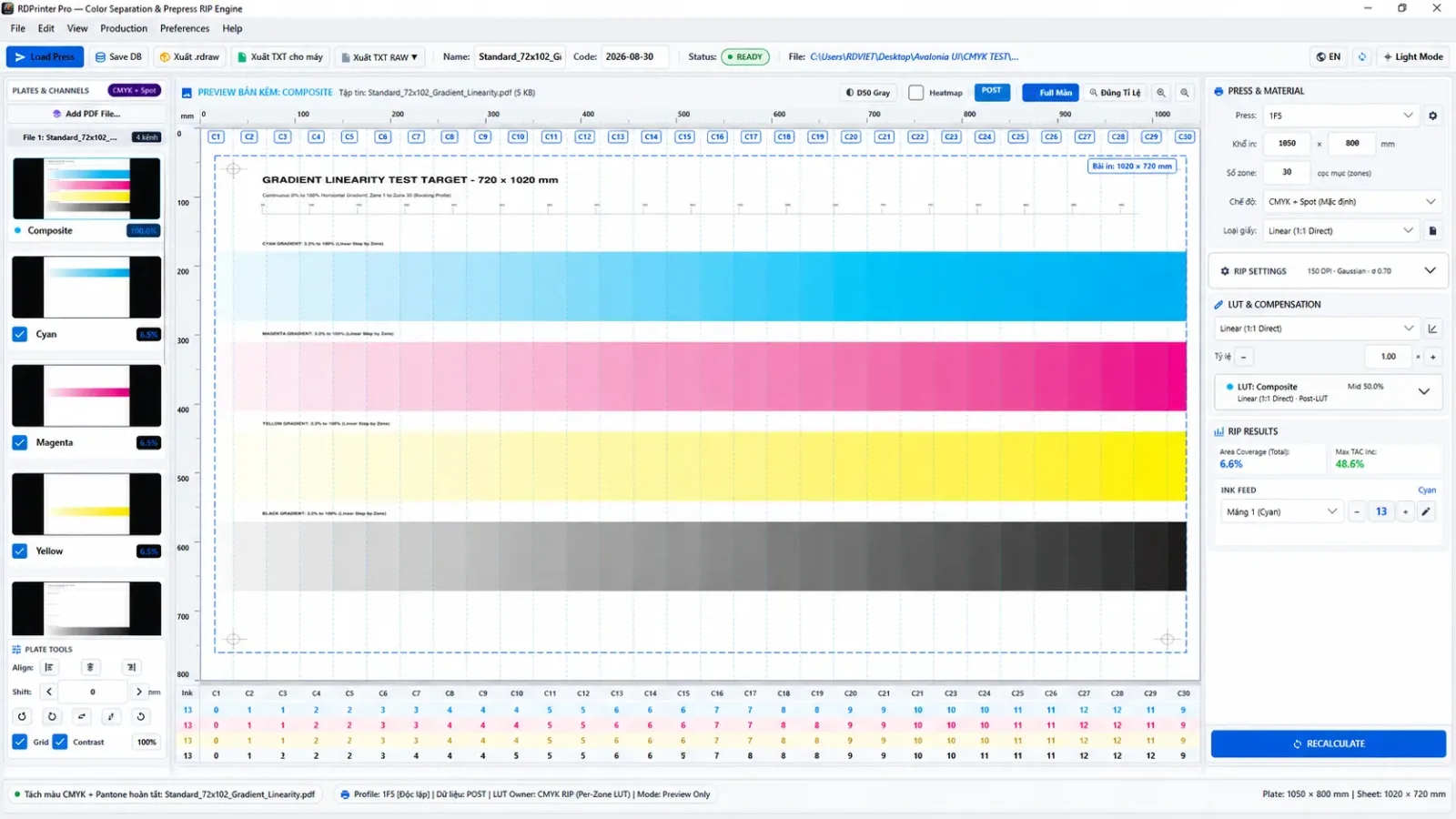
A preview lets the operator inspect the selected job and its channels. Automatic job setup here refers to ink-key presetting; plate production and press plate loading remain separate operations.
CMYK and Pantone Spot-Color Processing
The software handles the four process-color channels—Cyan, Magenta, Yellow and Black—and Pantone spot-color separations. For a job containing a spot color, the channel needs to be identified and assigned to the appropriate printing unit in the configured workflow.
Spot-color processing is distinct from converting every spot color into CMYK. The preset calculation concerns the job data and ink zones; the actual printed result also depends on the ink used, substrate, press condition and operator adjustments.
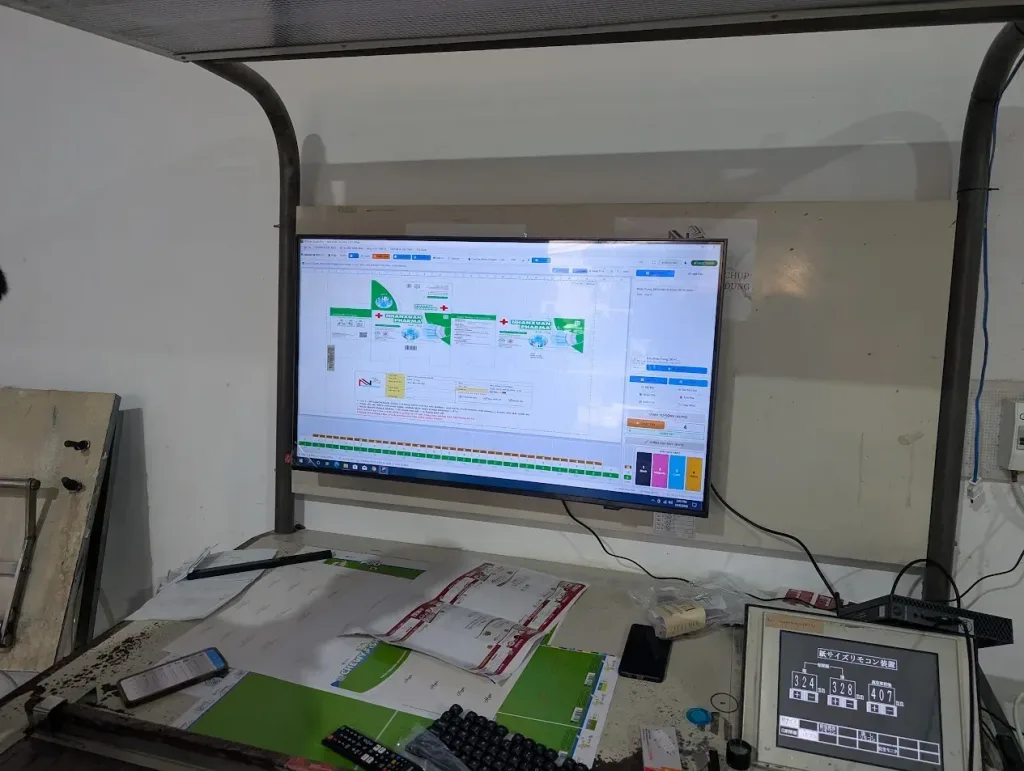
The RDPrinter Pro screenshot below shows a CMYK + Spot workflow, a job preview, ink-zone columns and save/export controls. Open the image to inspect the interface in more detail.
Ink Preset and Direct Ink-Key Setting
Ink Preset establishes initial settings for the ink zones from the job data. In this upgrade, calculated preset values are sent directly to the ink keys through the configured control hardware. The aim is to provide a useful starting point for make-ready instead of setting each zone entirely by hand.
As technical background, the CIP4 Organization describes ink-zone presetting as a prepress-to-press application using separation image information and transfer curves. The input formats and communication method included in an installation are specified for that project.
During commissioning, the mapping between software channels, printing units and ink zones is checked on the actual machine. Operators still evaluate the printed sheet and make the adjustments required for production.
Save and Recall Jobs for Repeat Printing
Job saving allows previously prepared work to be called up again rather than recreated from the beginning. The supplied software configuration defines the job information and settings stored, how jobs are identified and how the operator recalls them.
For repeat work, check that the recalled job matches the current press profile, color order, paper and operating conditions. Stored settings provide a starting point; changes to the machine, ink or substrate may require adjustment. The quotation and handover explain the saving and recall workflow included for the installation.
Custom Controller Boards and Software Integration
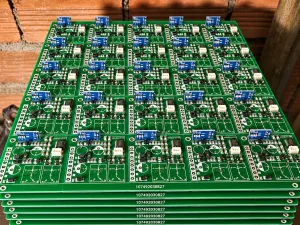
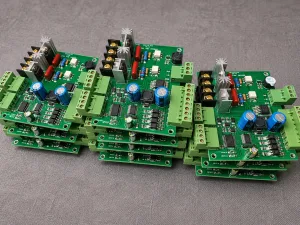
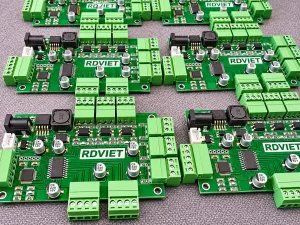
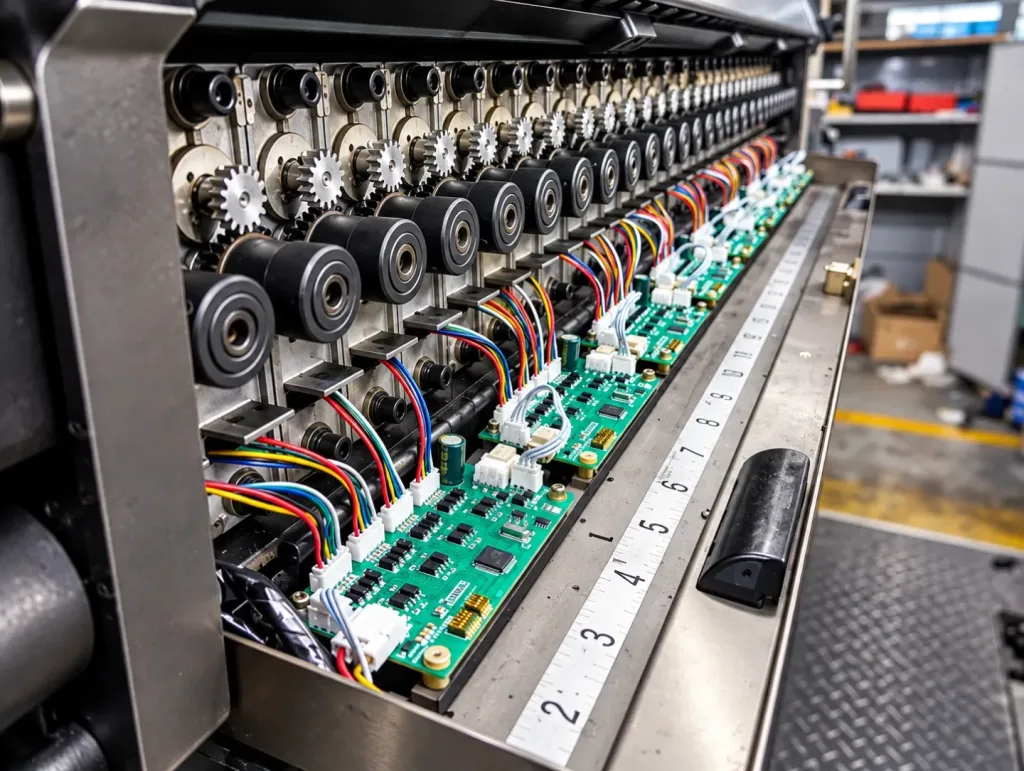
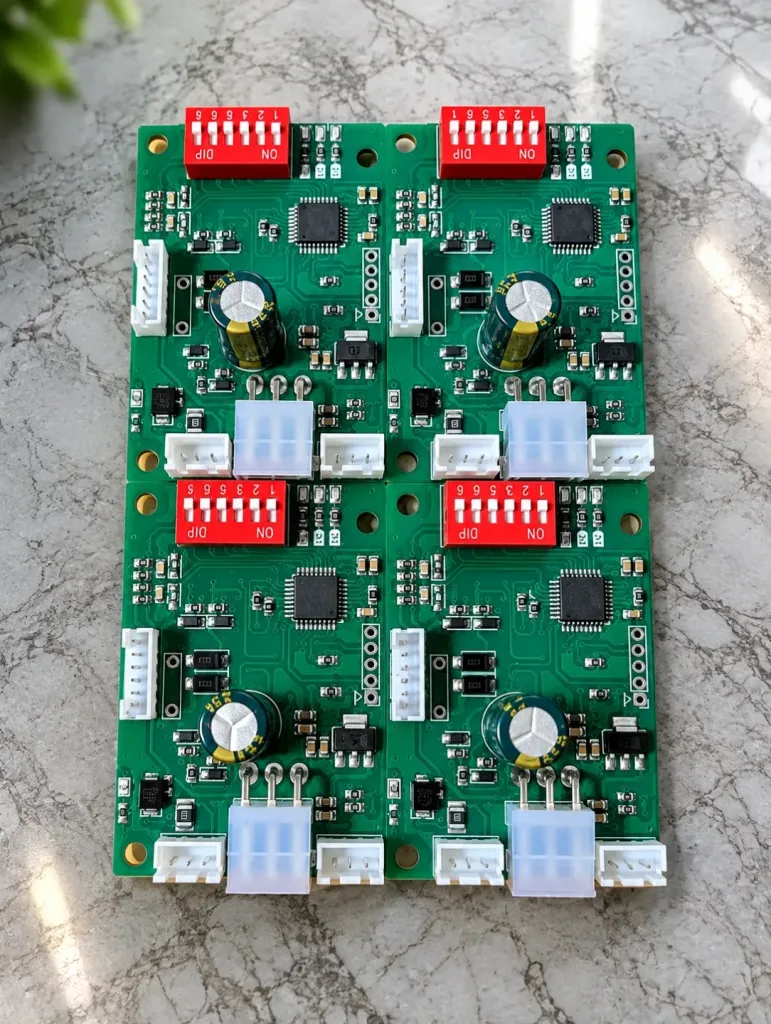
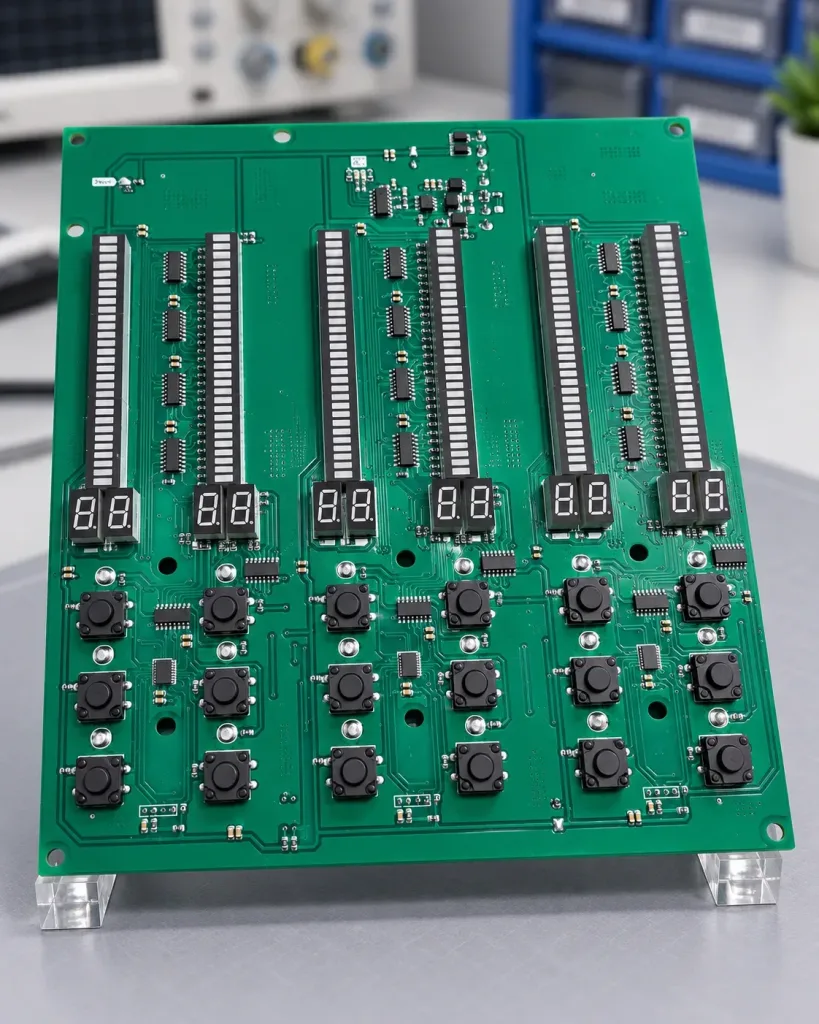
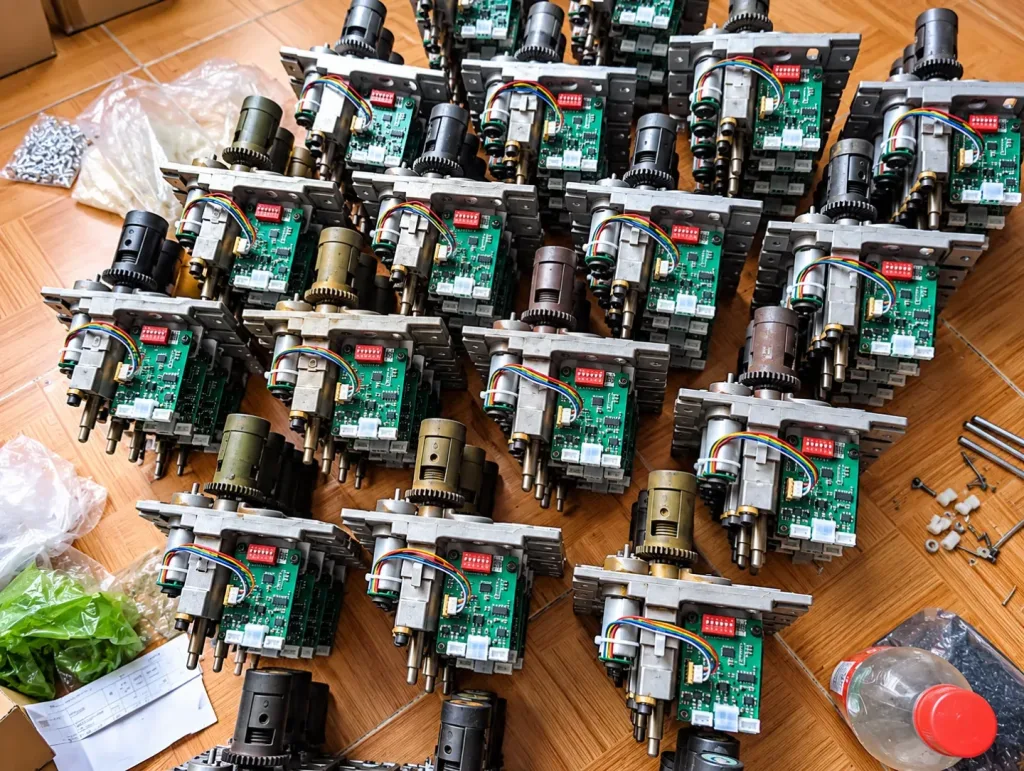
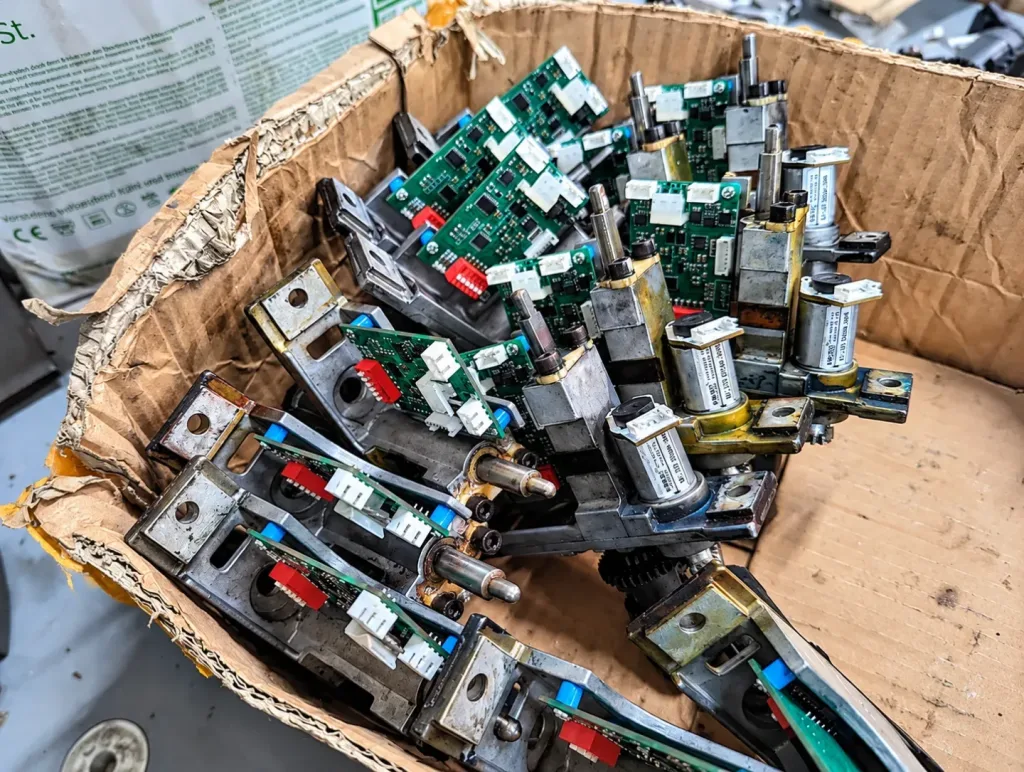
The solution combines circuit design, embedded programming and the software used by the press operator. Depending on the machine, development can involve controller boards, interfaces to existing mechanisms and the control arrangement needed to apply preset values.
The photographs show controller boards, a display/button board and board-and-motor assemblies. Their role in a particular upgrade is established from the machine configuration. For related capabilities, see our custom control board development and PCB and KiCad design services.
Understanding the “Up to 90%” Initial Setup Estimate
Based on its practical implementations, RDVIET estimates initial setup accuracy at up to approximately 90%. This is a practical estimate for initial ink setup, rather than an independently measured color-accuracy specification.
Results depend on the press condition, control configuration, job data, ink, paper and calibration. Operators still check the printed result and fine-tune the settings as needed. During the project assessment, agree what a successful setup should demonstrate on your own machine and sample jobs.
Installation Assessment, Functional Checks and Delivery Scope
| Project stage | What to establish |
|---|---|
| Machine assessment | Model, console, printing units, ink zones, mechanism condition and current workflow. |
| Job review | Sample PDF or separated files, process/spot colors, dimensions and unit mapping. |
| Upgrade scope | Controller hardware, software functions, installation and any retained components. |
| Functional checks | Job processing, correct channel/zone mapping, direct preset application, saving and recall. |
| Handover | Operating instructions, agreed delivery items and support scope. |
Deliverables depend on the requirements and price agreed at the start. Delivery may include the working product and operating software only, without firmware source, software source or editable circuit files. Any requested source files, documents or additional functions must be included explicitly in the quotation.
Send machine information, photographs, a sample job and the functions you want to improve. Installation arrangements, schedule and price are confirmed after assessment.
Frequently Asked Questions
Can an older Mitsubishi offset press be upgraded?
We assess older machines, including F-series and D3000 configurations, for ink-control upgrades. The proposed solution depends on the actual electronics, mechanisms and machine condition.
Does the software process Pantone colors as well as CMYK?
Yes. It handles CMYK and Pantone spot-color separations. The sample job and printing-unit assignment are reviewed for the configured installation.
Are the preset values sent directly to the ink keys?
Yes. The upgrade sends preset values directly through its configured control hardware. Communication and zone mapping are checked during installation.
Can the operator save a job and load it again?
Yes. Saving and recall are part of the workflow. The stored job data and settings depend on the supplied configuration, and recalled settings are checked against current printing conditions.
Does the 90% estimate mean no further adjustment is needed?
No. It is the estimate described above for initial setup, with results depending on the installation and operating conditions. The operator still checks and adjusts the printed result.
Discuss Your Mitsubishi Offset Press Upgrade with Us
Share the press model, console photographs, current ink-setting problem and a PDF or separated sample job. Tell us whether your priority is automatic presetting, job saving, controller replacement or an upgrade combining these functions.
RDVIET — Custom Electronics and Offset Press Control Upgrades757/44 Nguyen Anh Thu Street, Trung My Tay Ward, Ho Chi Minh City, Vietnam
Phone / WhatsApp: +84 908 234 734